
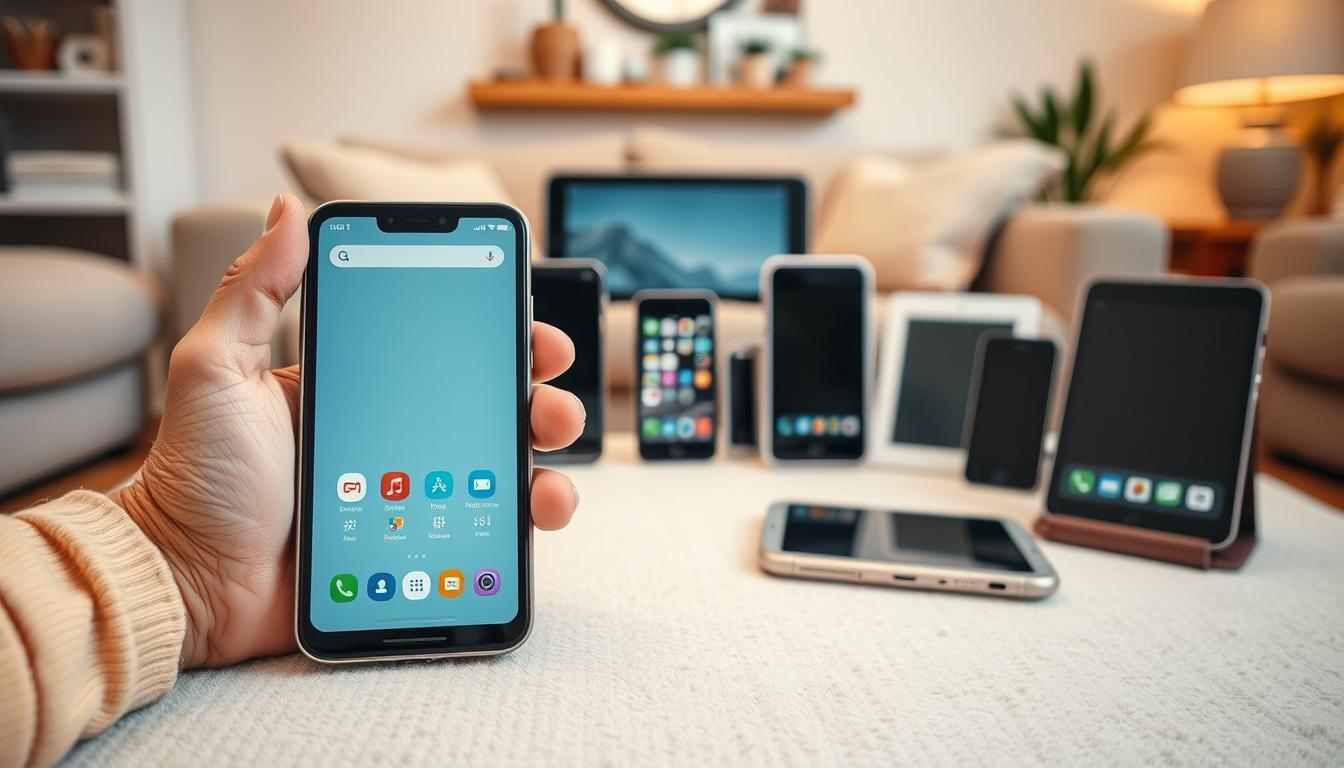
In today’s fast-changing digital world, smartphones for seniors are key for staying in touch with loved ones and the world.
Many seniors struggle to keep up with new smartphones. They feel lost in the sea of modern technology.
But, learning to use a smartphone can really improve a senior’s life. It opens doors to lots of information, services, and friends. This can fight off loneliness and isolation.
By teaching senior-friendly phone features and helping them, we can make seniors’ lives better. Smartphones can make their lives more fun, easy, and connected.
Understanding the Basics of Smartphones
Smartphones are more than just phones. They are tools that can make life easier, entertain, and keep you safe. For seniors, they can be a game-changer.
Smartphones have senior-friendly phone features like easy menus and big text. These make phones easier to use, reducing tech stress.

They also have health features like medication reminders and medical alert systems. These can help seniors stay on track with health tasks or call for help when needed. Some phones even have GPS-tracking for safety, which is great for seniors with dementia or who might wander.
Learning about these smartphone basics is key. It lets seniors use their phones to the fullest. This way, they can enjoy life more and stay in touch with family and friends.
Setting Up the Phone for Seniors
Making the smartphone setup easy for seniors is key. By setting up important features before starting, the process becomes much simpler.
Simplifying the Setup Process
Begin by turning on accessibility features like large text and high contrast mode. These are found in the settings menu and help make the phone easier to use for seniors.
Then, set up shortcuts for apps seniors use a lot. Place these shortcuts on the home screen. This makes it simple to find and use apps like calling or messaging.
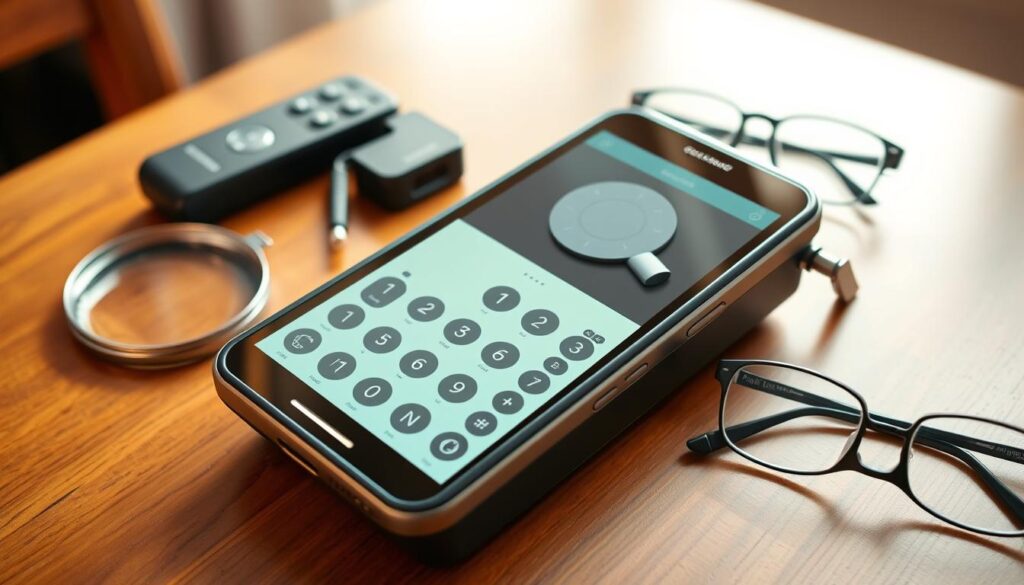
Next, adjust the phone’s notification settings. Limiting notifications to only the most important apps helps keep the phone clean and easy to use.
Lastly, explore the phone’s help features. Many phones have tutorials or guides to help seniors learn how to use them.
By following these steps, seniors can enjoy a more user-friendly smartphone. A simple setup makes the phone more fun to use. It also helps seniors stay in touch with loved ones, access important info, and discover new things.
Navigating the Home Screen
The home screen is the first thing you see when you unlock your smartphone. It’s the central hub for navigating your device.
Understanding the layout of the home screen is key for effective navigation. You’ll find your apps, widgets, and other key features here. The home screen is designed to be user-friendly, making it easy to access your favorite apps and settings.
To make the most of your home screen, you can customize it to your liking. You can organize your apps into folders, add widgets for quick access, and change the wallpaper to personalize your device.
For seniors, senior tech tips often include starting with simple customizations. This can include enlarging text and icons to make the interface more comfortable. You can also explore different launcher options that offer alternative home screen layouts designed with seniors in mind.
By taking control of your home screen, you can create a user-friendly interface that makes navigating your smartphone easy. Experiment with different layouts and features until you find what works best for you.
Making Calls and Sending Messages
Smartphones make making calls and sending messages easy for seniors. The phone app is already on the device. This lets users dial numbers or pick contacts from their address book easily.
To call someone, seniors just open the phone app. They enter the phone number and press the call button. Smartphones also have features like speakerphone and voicemail to improve the call experience.
Sending Text Messages and Using Messaging Apps
Seniors can also text family and friends. Most phones have a messaging app for sending and receiving texts. They can type messages or use voice-to-text for easier writing.
For more features, there are senior-friendly messaging apps to download. Apps like WhatsApp and Signal offer group chats and file sharing. They also have end-to-end encryption for safety.
When picking a messaging app, seniors should look at ease of use and security. Many apps are designed to be simple and safe for seniors.
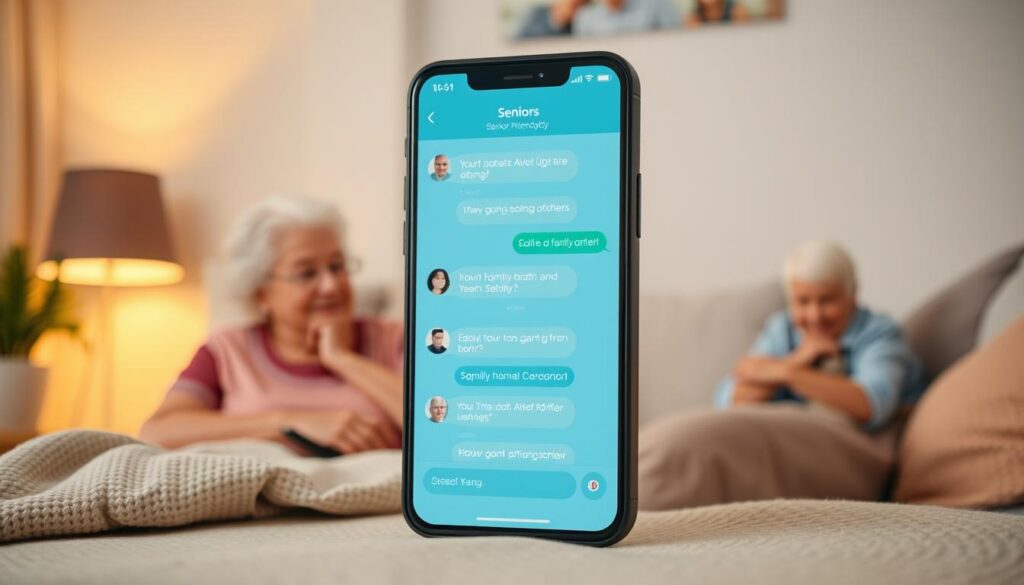
By using these features and apps, seniors can stay connected. They can make calls and send messages easily, keeping in touch with loved ones.
Downloading and Using Apps
Downloading apps for seniors can make your mobile experience better. There are thousands of apps out there. You can find tools for reminders, training, and more.
To download an app, start by opening the App Store on your iPhone or Google Play Store on your Android. Use the search function to find apps that interest you, like health and wellness apps.

Once you’ve found an app, click the “Get” or “Install” button to start downloading. You might need to enter your password or use Face ID or fingerprint recognition.
Popular Apps for Seniors
Some apps are made just for seniors. They have simple interfaces and large text. Examples include Medisafe for reminders and Lumosity for training.
After downloading an app, you can find it on your home screen. Tap the app icon to open it and explore its features. Many apps have tutorials to help you get started.
By learning to download and use apps, you can enjoy your smartphone more. You’ll have a more connected and engaging life.
Connecting to Wi-Fi and Bluetooth
Seniors can make their smartphones better by learning to connect to Wi-Fi and Bluetooth. This lets them get online and use many services. It’s key for keeping in touch and getting important info.
Understanding Wi-Fi Connectivity
Wi-Fi lets devices connect to the internet without cables. To use Wi-Fi, go to your phone’s settings, then Wi-Fi. Pick your network from the list and enter the password if needed.
Bluetooth Connectivity Explained
Bluetooth lets devices talk to each other nearby. To pair Bluetooth devices like headphones, go to Bluetooth settings. Turn on Bluetooth and pick your device from the list.
“Connecting to Wi-Fi and Bluetooth has changed how we use smartphones,” said a senior tech fan. “It makes staying in touch much simpler.”
Fixing common connection problems is often easy. If Wi-Fi or Bluetooth won’t work, try restarting your phone. Also, make sure Wi-Fi or Bluetooth is on and you’re close enough to the network or device.
Learning about Wi-Fi and Bluetooth opens up a world of possibilities for seniors. It makes their smartphones more useful and keeps them connected to everyone and everything.
Staying Safe Online
Using smartphones safely is key, even more so for seniors who face scams. As we dive into the digital world, knowing the risks and how to avoid them is vital.
Seniors need to watch out for online scams and phishing attempts. These can be emails, messages, or fake websites trying to get personal info. Always be careful when clicking links or sharing sensitive info online.
Avoiding Online Scams and Phishing Attempts
Seniors should never share personal or financial info via email or text. Real companies won’t ask for this info through these channels. It’s smart to check messages by calling the company directly.
Using strong, unique passwords is a must for online safety. Mix letters, numbers, and special characters in your passwords. Also, turn on two-factor authentication when you can. This adds an extra step, needing a code sent to your phone or email.
Keeping your phone’s OS and apps up to date is important. Updates fix security holes. Also, using good security software can help block malware and threats.
By following these senior online safety tips, seniors can lower their risk of scams. This way, they can enjoy a safer online world.
Troubleshooting Common Issues
Smartphones can be tricky for seniors, but there are easy fixes. Learning how to troubleshoot can save time and reduce stress. It helps when dealing with tech problems.
A common problem is a frozen screen. If this happens, restarting the phone is often the best fix. Press and hold the power button until it turns off, then on again. This usually fixes it.
Another issue is battery drain. If your battery runs out fast, check apps running in the background. Close them if you can. Also, lowering your screen brightness helps save battery.
For tougher problems, try resetting your phone to its factory settings. But do this only as a last resort. It will erase all your data. Make sure to back up your important stuff first.
If you can’t fix it yourself, you might need technical support. Many phone makers have special help for seniors. They offer online guides, phone support, and in-person help at stores.
Knowing basic troubleshooting can make using smartphones easier and more fun. Regular care, like updating software and watching app use, can also prevent many issues.
Resources for Further Learning
Seniors can keep learning about smartphones and accessible technology. Many groups offer online tutorials and workshops. These are all about accessible technology training.
Websites like AARP and Senior Planet have lots of useful info. They help seniors use smartphones safely and stay connected. They also guide on accessing important info and enjoying favorite apps.
Local community centers and libraries also host tech workshops. These are great for meeting others and practicing skills.
By using these learning resources, seniors can keep improving their tech skills. They can stay connected in today’s digital world.