
Creating a visual map of your community is fun and rewarding. It helps you spot local landmarks and get to know your area better.
By doing community mapping, you help with redistricting and learn more about where you live. A good Neighborhood Map is useful for both locals and visitors.
In this article, we’ll talk about why these maps are important. We’ll also cover tools for making them and tips for making them interesting. Whether you’ve lived here for years or just moved, making a map is a great way to connect with your community.
Understanding the Importance of Neighborhood Maps
Neighborhood maps are key to boosting community engagement. They show local interests and landmarks clearly. The Districtr project says communities of interest (COIs) are groups with shared goals that should be heard by leaders.
These maps help people see and talk about their community’s needs. This builds a stronger sense of community. It also makes sure local concerns are heard.
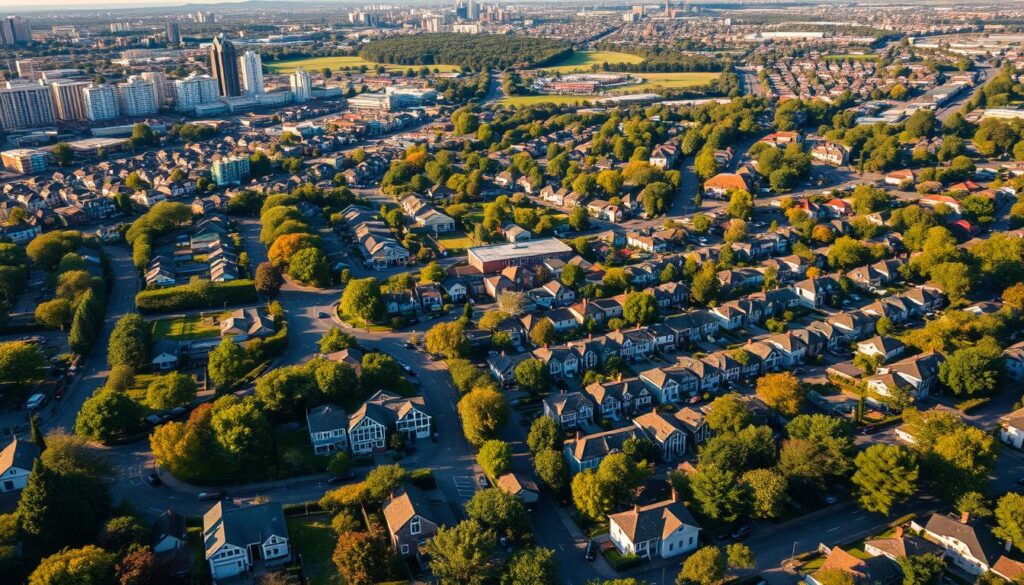
Neighborhood Maps are important because they let community voices be heard. Tools like Districtr help people draw districts and mark important places. This way, they have a bigger say in local decisions.
Using neighborhood maps for community engagement brings many benefits:
Improved Representation: Maps show local interests, making sure community needs are heard in decisions.
Increased Community Participation: Maps get people involved in planning, making the community more inclusive and active.
In short, Neighborhood Maps are vital for better community engagement and showing local interests. By using these maps, communities can work together towards a more inclusive place.
Tools for Creating Your Neighborhood Map
Creating a neighborhood map starts with picking the right digital mapping tools. There are many tools out there, each suited for different needs and skill levels.
Many map creation tools are available, from professional software to free, open-source options. For example, SmartDraw is easy to use for making custom maps. It has many templates and ways to export your map. Districtr, on the other hand, is a free browser-based tool great for drawing districts and mapping communities.
Browser-Based Solutions
Browser-based tools like Districtr are easy to access and use. They are often free or cheap. They also have features like customizable templates and ways to work together, making it simple for people and communities to make and share maps.
When picking a tool, think about what you need for your project. Some tools have advanced features like data analysis and integration with other software. Others are simple and easy to use.
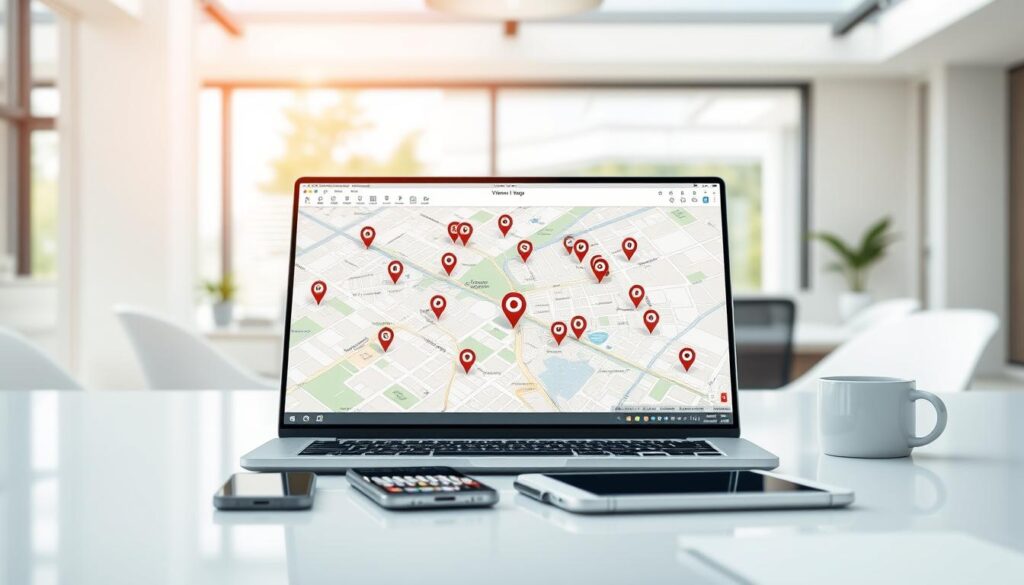
The right tool depends on your project’s needs. This includes how detailed you want the map to be and if you need to work with others or share it.
Key Features to Include in Your Map
A good neighborhood map does more than show where places are. It highlights the local landmarks and points of interest that make your community special.
When making your Neighborhood Map, focus on what makes your area stand out. Include parks, schools, community centers, and local attractions that matter to people who live there.
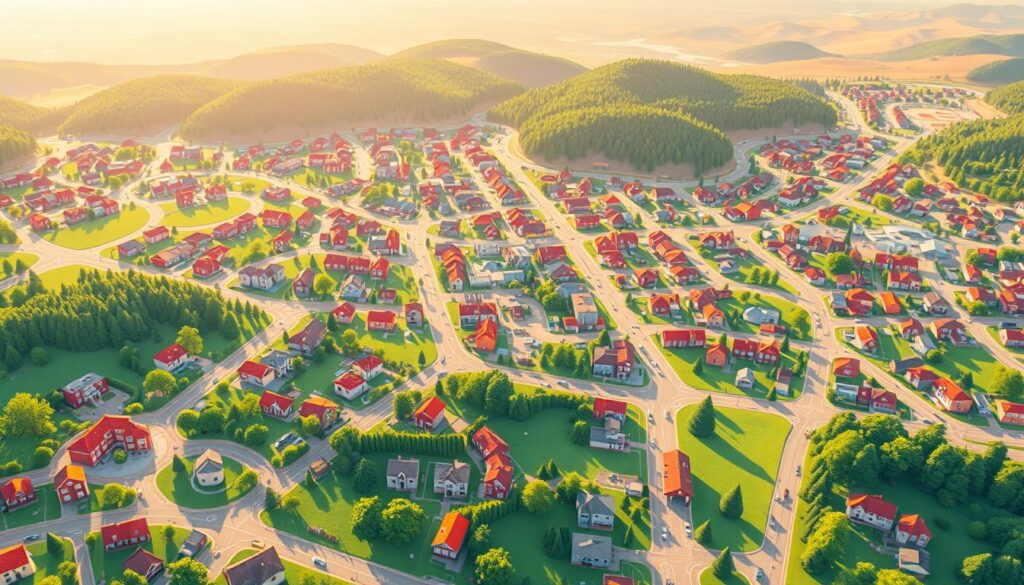
Adding these details makes your map more useful. It helps show what makes your neighborhood unique. For example, pointing out local businesses, historical sites, and places to have fun gives a full picture of your area.
Essential Features for a Complete Map
Here are some important features to put on your Neighborhood Map:
Local Landmarks: Historical sites, monuments, and other notable spots that show your neighborhood’s spirit.
Points of Interest: Parks, places to shop, and other spots that people enjoy.
Community Facilities: Schools, community centers, libraries, and other places that help your community.
By adding these, you make a Neighborhood Map that’s both useful and valuable to your community.
Tips for Drawing Your Neighborhood Map
To make your neighborhood map effective, follow these best practices. Drawing a good map needs planning and detail. First, figure out why you’re making the map and who it’s for.
Use symbols that are clear and easy to spot for landmarks and features. Experts say, “a good map is not just about conveying information, but also about doing so in a way that is easy to understand.”
“A map is a symbolic representation of a place, highlighting the relationships between elements of that space.”
Make sure your map is easy to read with the right scales and legends. A well-made map helps people navigate and understand your neighborhood better. Use a key or legend to explain the symbols and colors.
Key Considerations for Your Neighborhood Map
When making your map, remember these map creation tips:
First, pick the scale of your map. A bigger scale means more detail, while a smaller scale shows more of the area.
Second, list the main features you want to include, like parks, schools, and shops.
Third, stick to a consistent color scheme and symbol set for easy reading.
By following these best practices and tips, you can make a Neighborhood Map that’s both useful and interesting. Your map will be a great tool for your community, showing your neighborhood in a clear and useful way.
Gathering Information for Your Map
Community outreach and data collection are key for a detailed neighborhood map. You need to gather info from local residents, community groups, and existing maps. This helps create an accurate map.
Community outreach programs are a great way to get information. By talking to local residents, you learn about the neighborhood’s features. This includes landmarks, points of interest, and community facilities. You can gather this info through surveys, public meetings, or online forums.
Using existing maps or plans also boosts your map’s accuracy. Tools like Districtr help import these plans. This way, you can get data on local infrastructure, like roads, parks, and public transport.
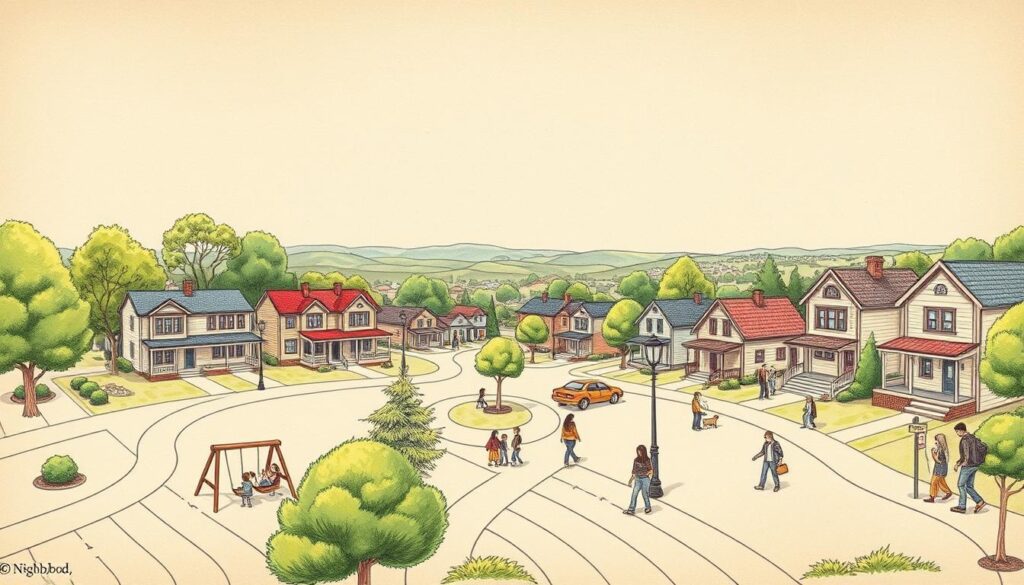
It’s also vital to think about the community’s needs and preferences. Collect data on community facilities, such as schools, libraries, and healthcare services. This info makes your map a useful resource for everyone.
Key data to collect includes: local landmarks, community facilities, infrastructure details, and points of interest. Combining these elements makes a detailed and accurate neighborhood map. It meets the community’s needs.
By following these steps and using the right tools, you can make a comprehensive and accurate neighborhood map. This map will be a valuable resource for the community. It also aids in planning and development.
Collaborating with Your Community
To make a neighborhood map that really shows the community, you need to work together with residents. It’s key to get different views and make sure the map has everything important.
One good way to work with your community is through public meetings. These meetings let people share their thoughts and worries about the area. By joining or hosting local events, you can get useful info and make people feel like they own the place.
Using online platforms also helps a lot with getting people involved. Online surveys, social media groups, and community forums can reach more people and offer many ways to give feedback.
The Districtr project shows how important it is to get people involved in mapping and redistricting. By letting residents help make the map, you can make sure it really shows what the community needs and wants.
To really work well with your community, try these tips:
1. Inclusive Engagement: Make sure everyone is included, like local businesses, schools, and groups.
2. Clear Communication: Use easy-to-understand language to explain how the map is made and why it’s good.
3. Feedback Mechanisms: Set up clear ways for people to give their thoughts and ideas.
By using these tips and really working with your community, you can make a Neighborhood Map that’s full and shows what’s important to locals.
Keeping Your Neighborhood Map Updated
To keep your neighborhood map useful, it’s key to update it often. Regular map updates show changes in the community. This includes new buildings, changes in local shops, or shifts in what people are interested in.
Maintenance of your Neighborhood Map means checking it often. You can set a schedule for updates, like every quarter, every six months, or yearly. This depends on how fast things change in your area.
It’s also important to involve your community in updates. Community involvement helps spot new things to add. You can do this at community meetings, online forums, or on social media.
By focusing on map updates and maintenance, your Neighborhood Map stays a trusted and useful tool for your community.
Utilizing Your Neighborhood Map Effectively
A neighborhood map is very useful for community planning, organizing events, or advocating for changes. It helps improve community involvement and shape local decisions.
Maps can show where your community needs help. They can highlight areas needing better roads, more services, or safety. This info is key for community planning and guides where to invest.
Maps are also great for planning community events. They help pick the best places and paths for everyone to get to easily. This builds a stronger community and gets more people involved in local activities.
Maps are also key for pushing for local projects. They help show why new bus lines, better lighting, or community centers are needed. A clear map makes a strong case to local leaders.
To get the most out of your map, team up with local groups, businesses, and government. Together, you can make sure the map helps the community in real ways.
Sharing Your Neighborhood Map
Sharing your neighborhood map is key to making it useful for everyone. With digital tools, you can share it easily through different channels. This helps bring the community together and encourages teamwork.
Tools like SmartDraw and Districtr make sharing maps simple. You can export your map in various formats or share links. This makes it easy for everyone to access.
Posting your map on social media, community sites, or local government pages is a good idea. It helps your map reach its full purpose. It also lets community members give feedback, suggest changes, and use the map wisely.
Sharing your map digitally is essential for a united and informed community. It promotes unity and cooperation among all community members.